


LattePanda’s latest release, the IOTA, packs Intel’s new N150 processor into a board barely larger than a Raspberry Pi. Despite its small size, it’s packed with features and IO aimed squarely at makers who want desktop-class power with microcontroller flexibility.
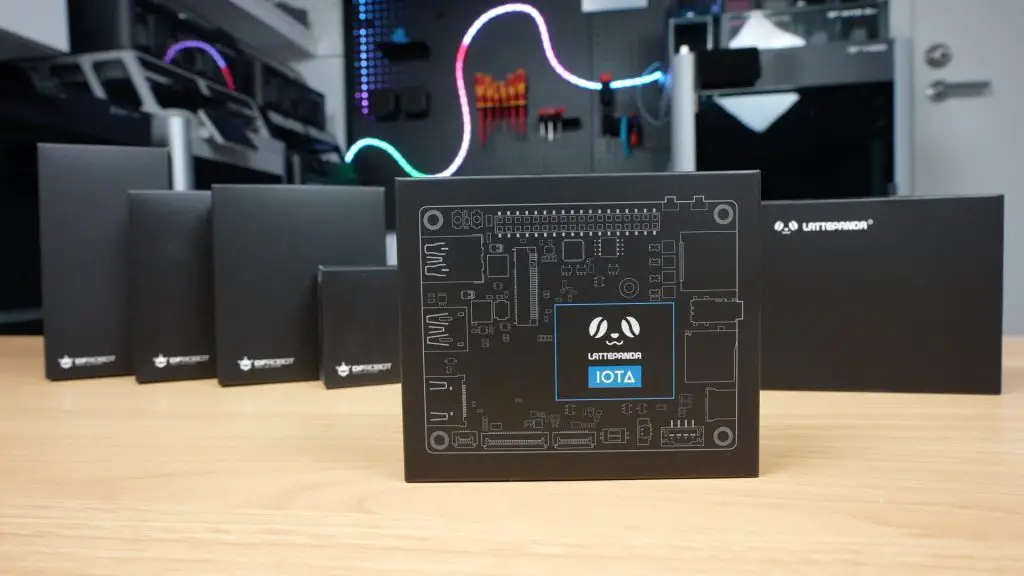
In this review, we’ll unbox the LattePanda IOTA, take a look at its hardware and available accessories, then boot it up to test video playback, run some benchmarks, and check its power consumption and thermal performance.
Here’s my video review of the LattePanda IOTA, read on for the written review;
Where To Buy The LattePanda IOTA
Add Ons
Tools & Equipment Used
- Video Capture Card AVerMedia GC513 – Buy Here
- Infiray P2 Pro Thermal Camera – Buy Here
- Sound Level Meter – Buy Here
- Power Meter – Buy Here
- USB C Pencil Screwdriver – Buy Here
Unboxing the LattePanda IOTA
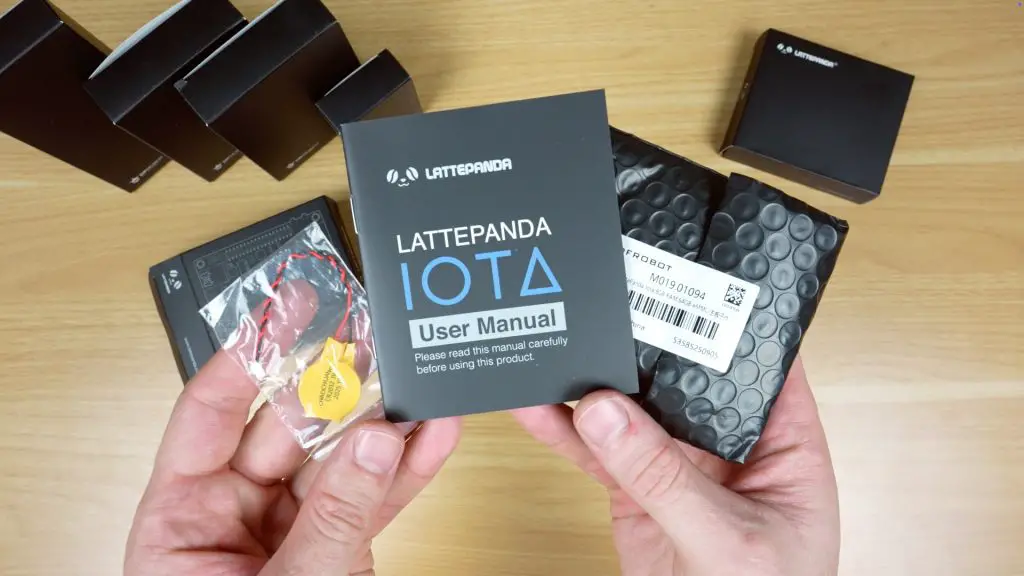
The LattePanda IOTA is a single-board computer (SBC) available in several kit configurations with optional add-ons. I’ve got a few of those accessories here as well, which we’ll explore later. In the box is the IOTA, a user manual and a battery for the real-time clock.
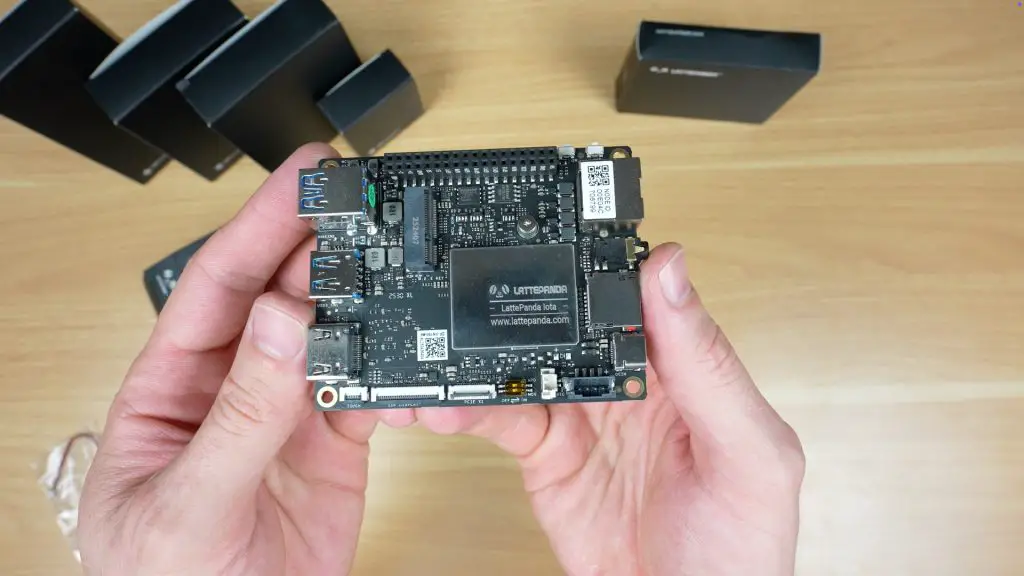
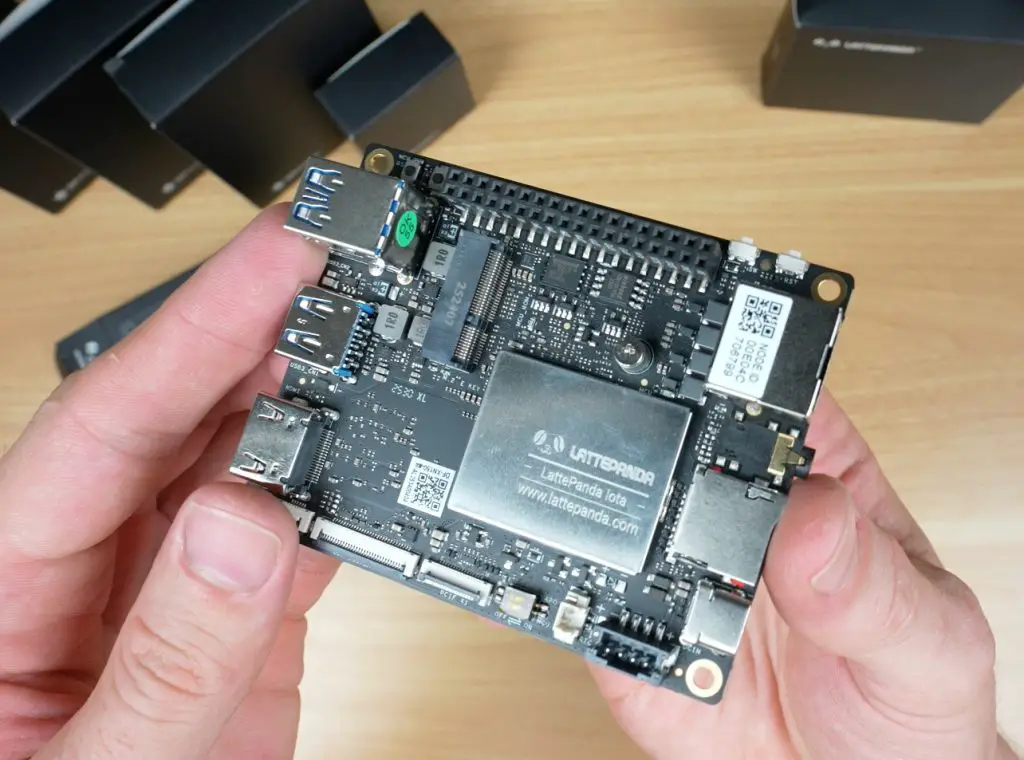
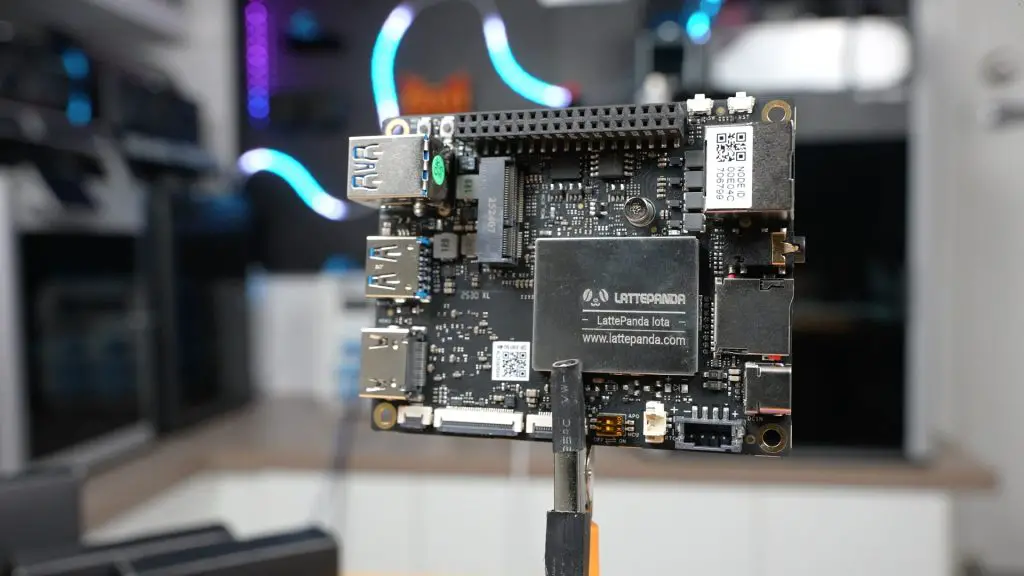
The board measures just 88mm x 70mm x 19mm, making it impressively compact for what it offers. It keeps the same dimensions and general port layout as the original LattePanda V1, meaning it’s compatible with most existing enclosures, perfect for anyone looking to upgrade or drop it into an older build.
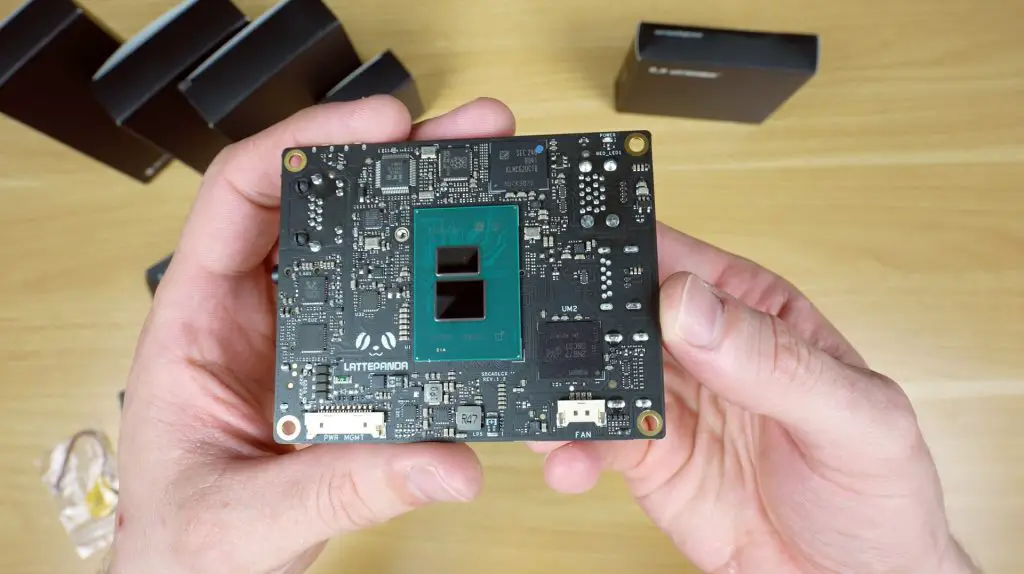
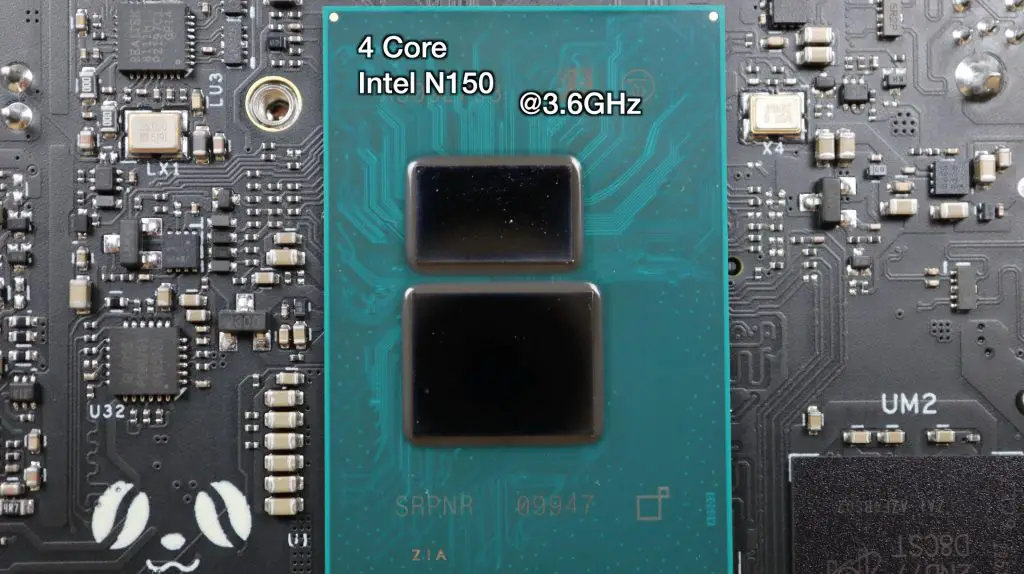
At first glance, you might think the CPU is on the top side, but it’s actually mounted on the back. The IOTA uses a 4-core Intel N150 CPU running up to 3.6GHz, paired with LPDDR5 RAM at 4800MT/s, available in 8GB and 16GB variants.
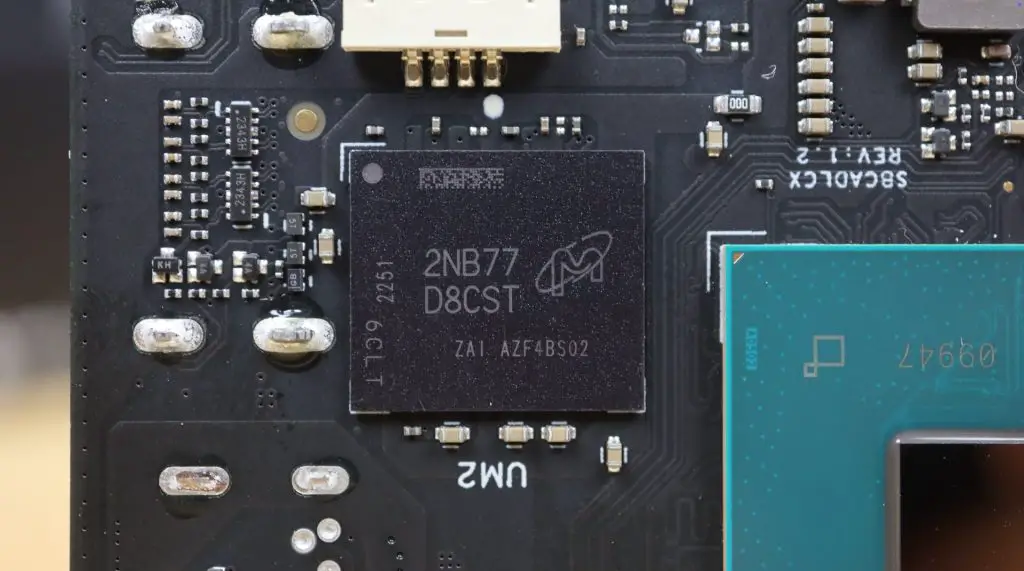
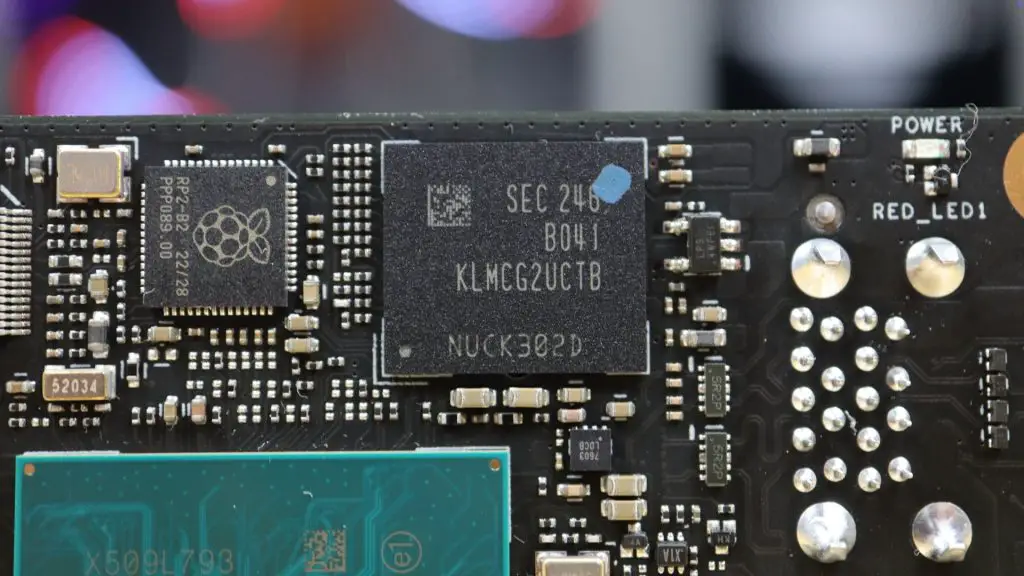
For storage, it includes onboard eMMC. It’s got 64GB on the 8GB RAM version, and 128GB on the 16GB version. The model I’m reviewing has 8GB of RAM and 64GB of storage.
Hardware Overview
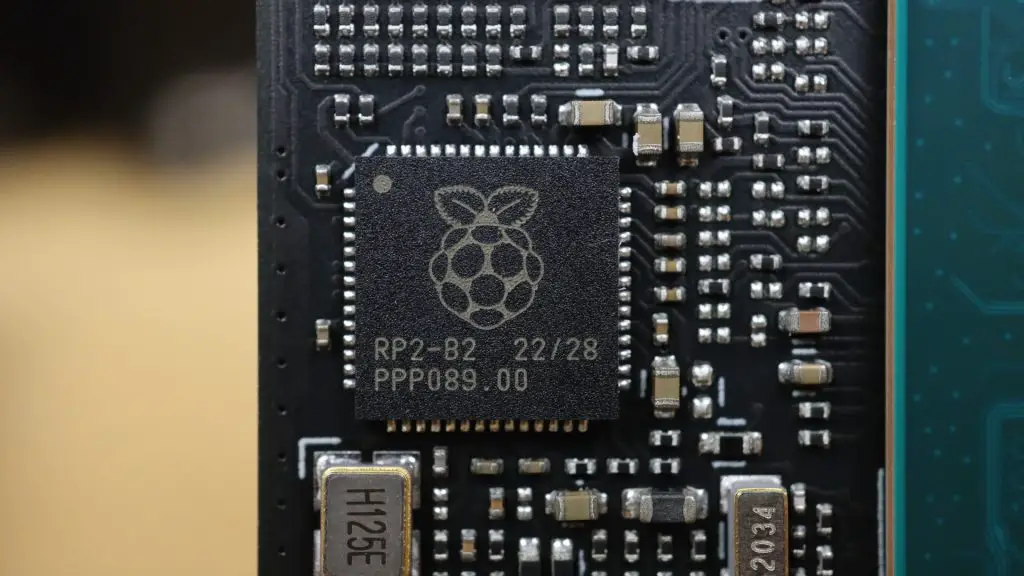
One of the standout features of the IOTA is its onboard RP2040 microcontroller, which sets it apart from most x86-based mini PCs. This dual-core Cortex coprocessor manages I/O through the GPIO pins, similar to how the Raspberry Pi handles hardware interfacing.
Looking around the board:
- On the bottom, there’s a power management connector for alternative power options and a fan connector.
- On the top, you’ll find all the ports and interfaces:
- Three USB 3.2 ports
- HDMI 2.1 port (supports 4K @ 60Hz)
- I2C connector for touch displays
- eDP display connector
- PCIe 3.0 x1 interface (similar to the Raspberry Pi 5)
- Battery connector
- USB-C Power Delivery input
- MicroSD card slot
- Headphone jack
- Gigabit Ethernet port
- Power and reset buttons
- GPIO header
- MCU reset and boot buttons
- M.2 E-key slot for adding a Wi-Fi adapter.
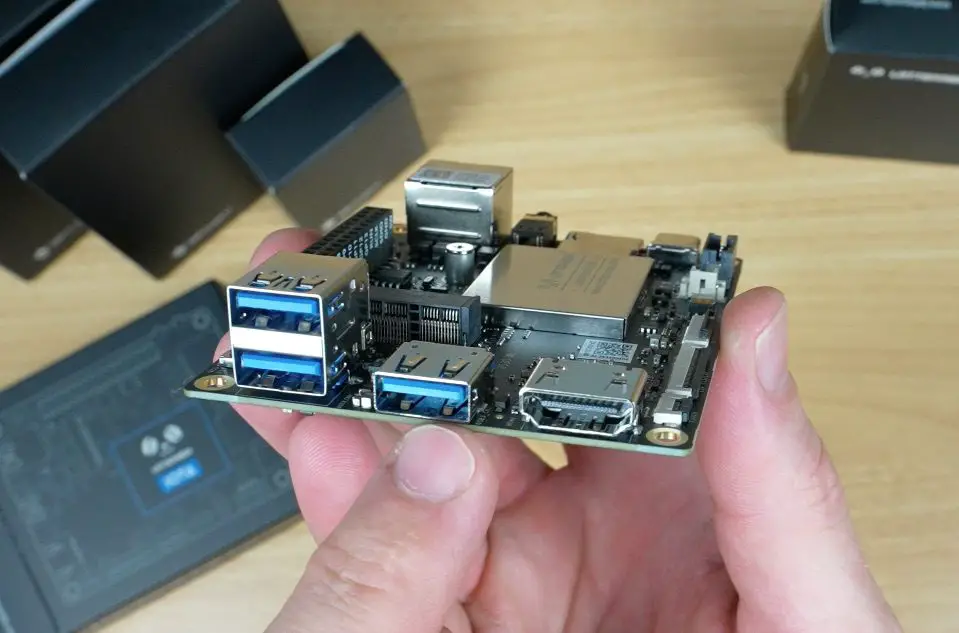
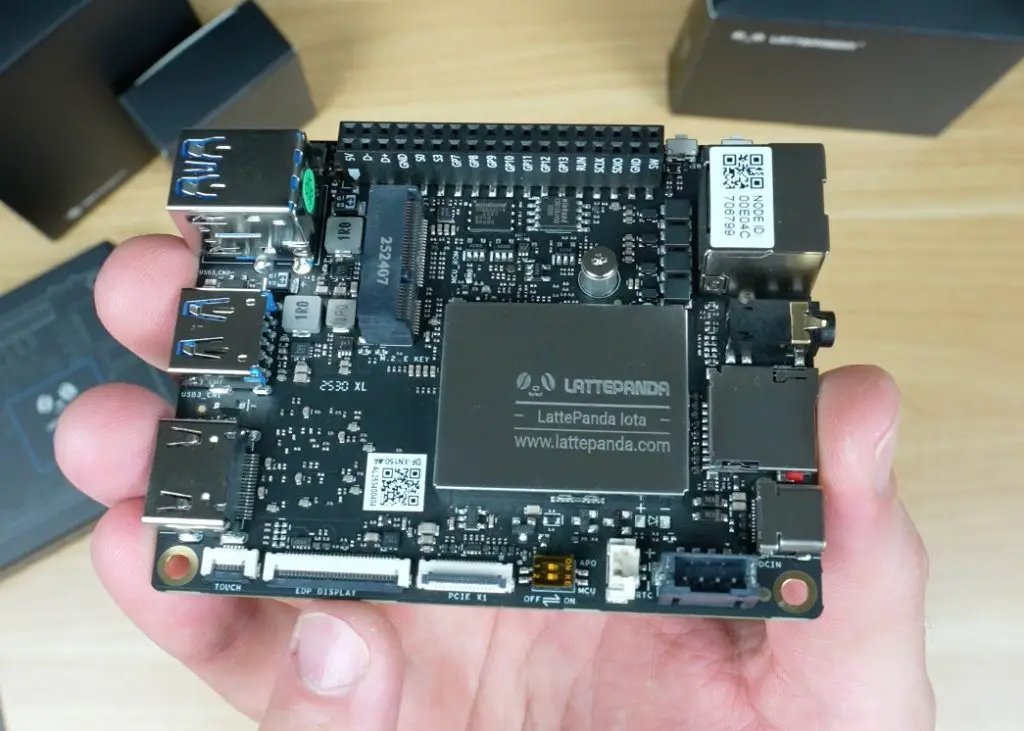
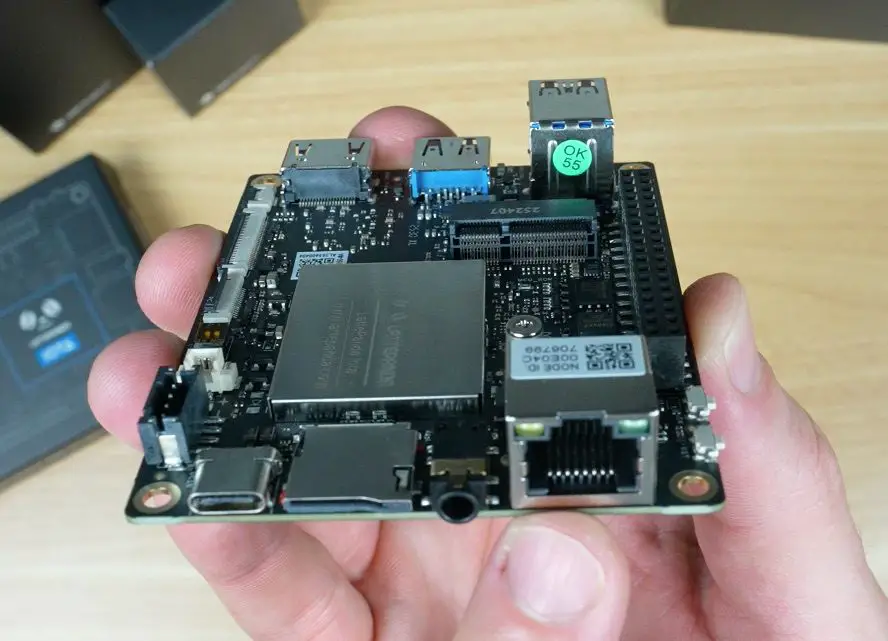
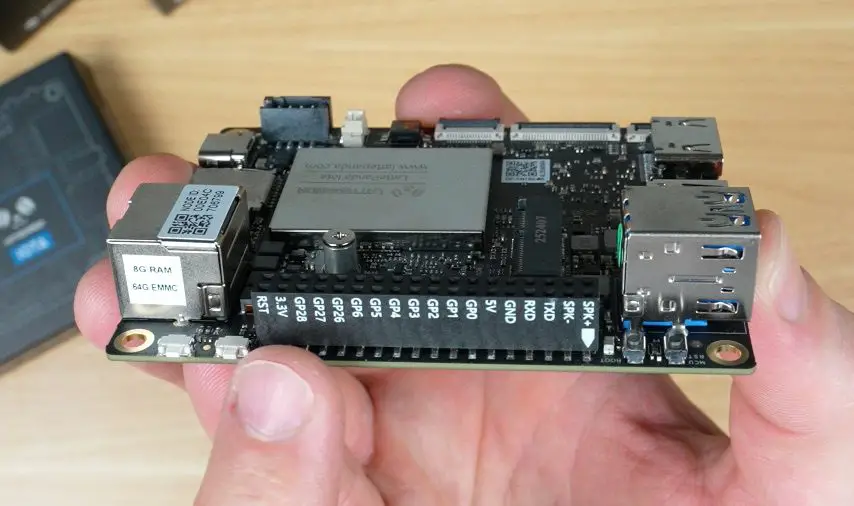
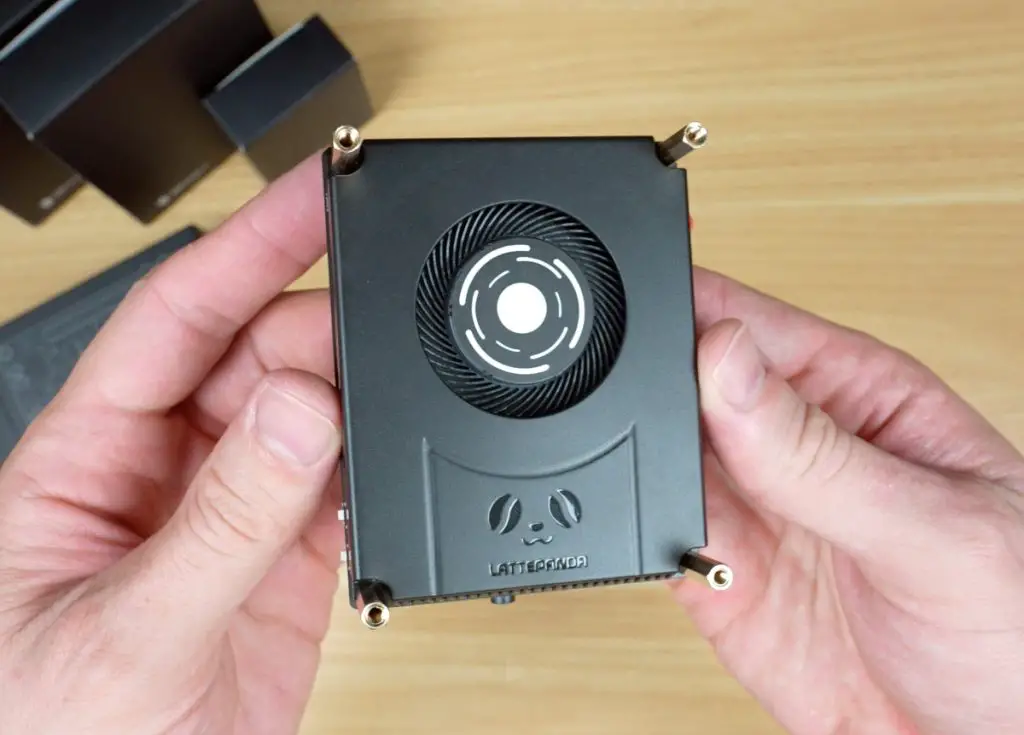
The IOTA has a configurable TDP between 6W and 15W, letting you balance performance and thermals. At lower settings, it can run silently with a passive heatsink; crank it up, and you’ll want the active cooler (which I’m using for this review).
Pricing
I think the LattePanda IOTA is priced fairly well;
- 8GB RAM / 64GB storage – $129
- 16GB RAM / 128GB storage – $175
You’ll want to budget an extra $12 for the cooler, bringing the total to under $150 for the base setup. I think this is fair for what you are getting.
Optional Add-Ons
LattePanda also offers several add-ons to expand the IOTA’s functionality:
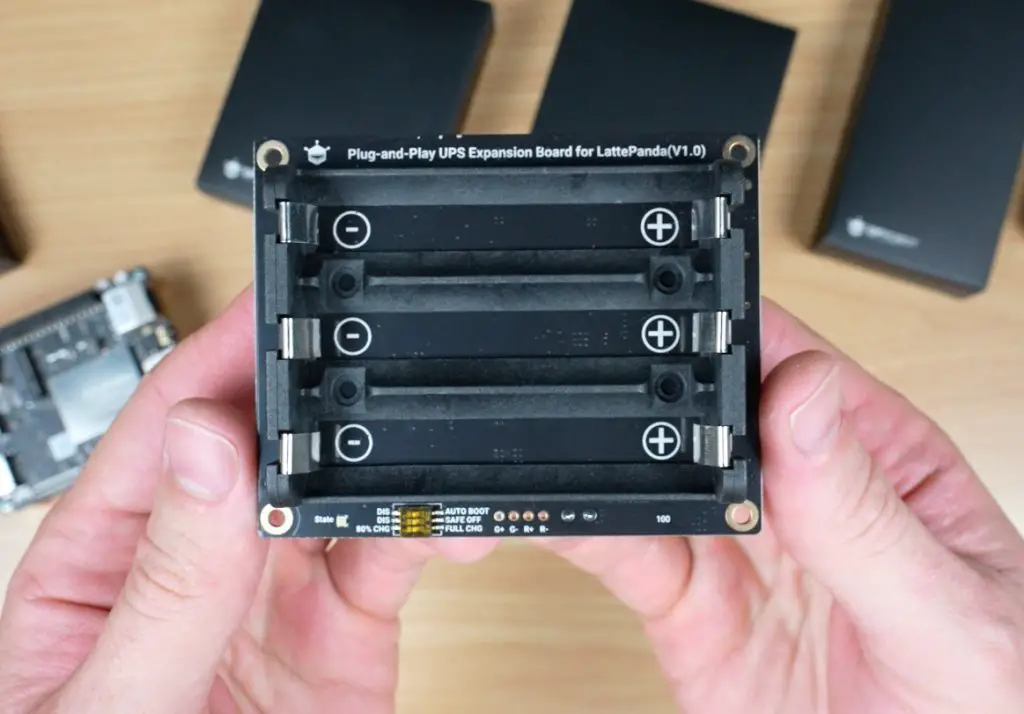
Smart UPS Hat
A plug-and-play uninterruptible power supply, capable of keeping the IOTA running for up to 8 hours depending on the batteries you use. It includes smart features like automatic power-on and safe shutdown when voltage gets too low, connecting via the IOTA’s power management connector.
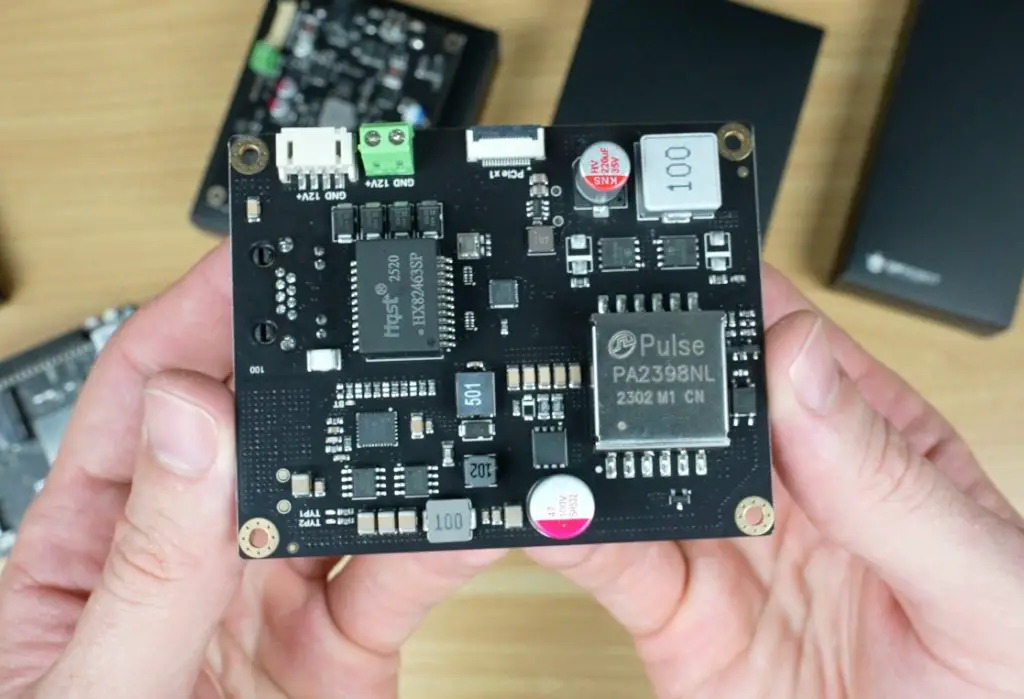
51W PoE++ Expansion Hat
This expansion board lets you power the IOTA via Ethernet through its onboard gigabit port. It connects to the IOTA’s power input and PCIe port, effectively giving you two network ports.
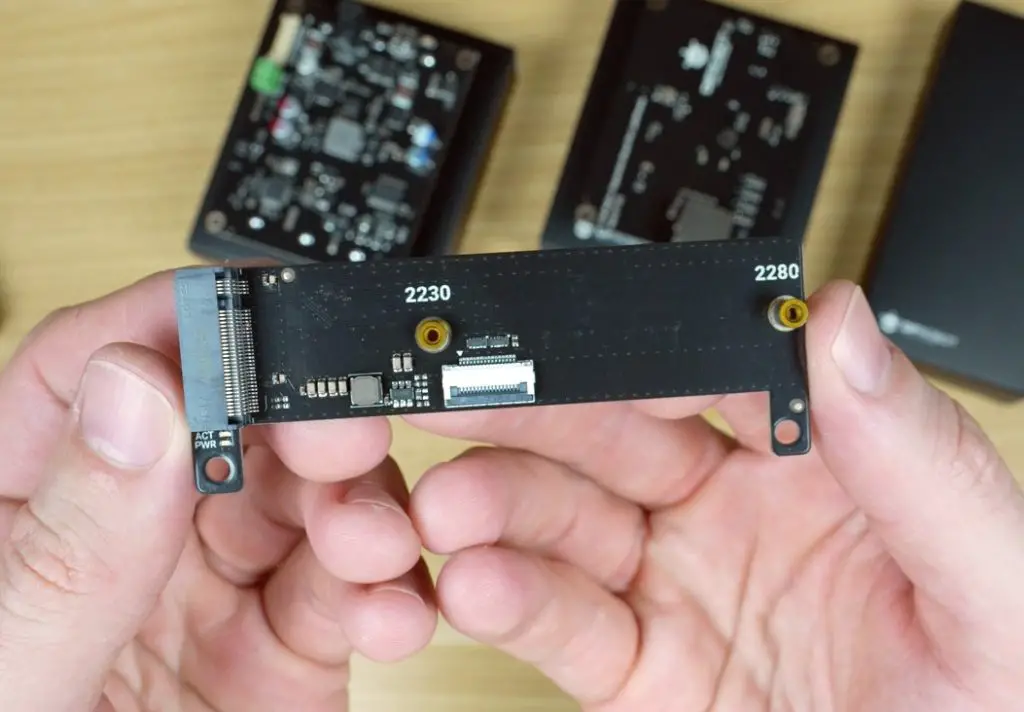
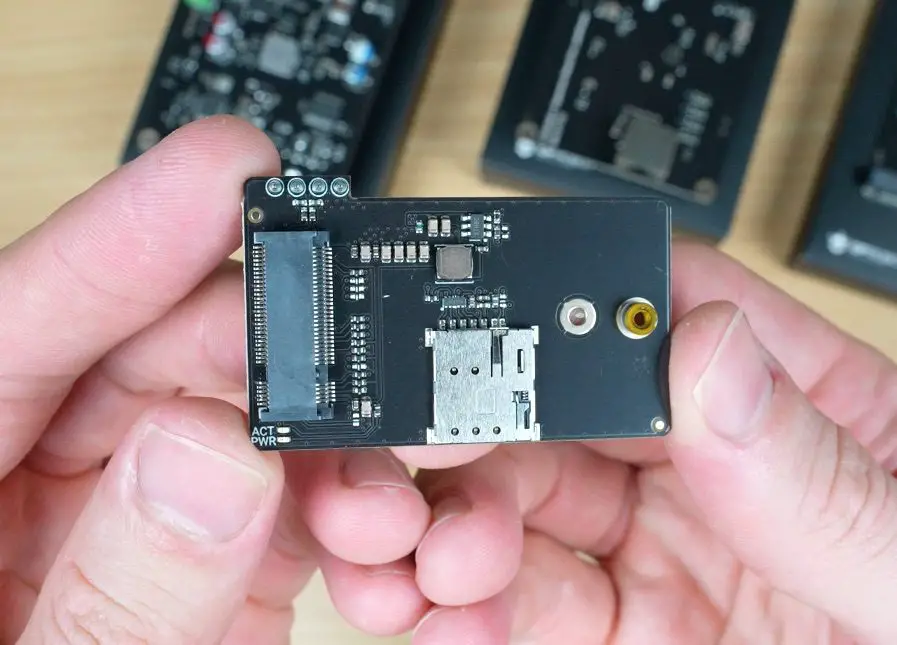
M.2 Expansion Boards
There are two M.2 expansion options available for the IOTA:
- One with an M-key slot for NVMe SSDs (2230 or 2280 sizes).
- Another smaller one for a 4G LTE module for mobile connectivity.
The NVMe board connects through PCIe, while the LTE board uses a USB 2.0 interface via the GPIO pins.
Performance Testing The LattePanda IOTA
Video Playback at 1080P and 4K
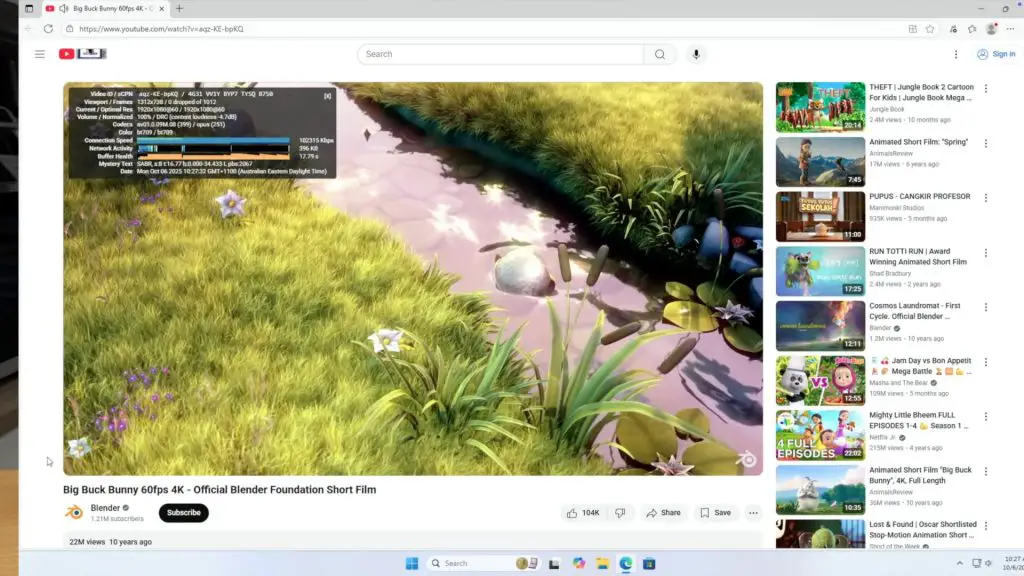
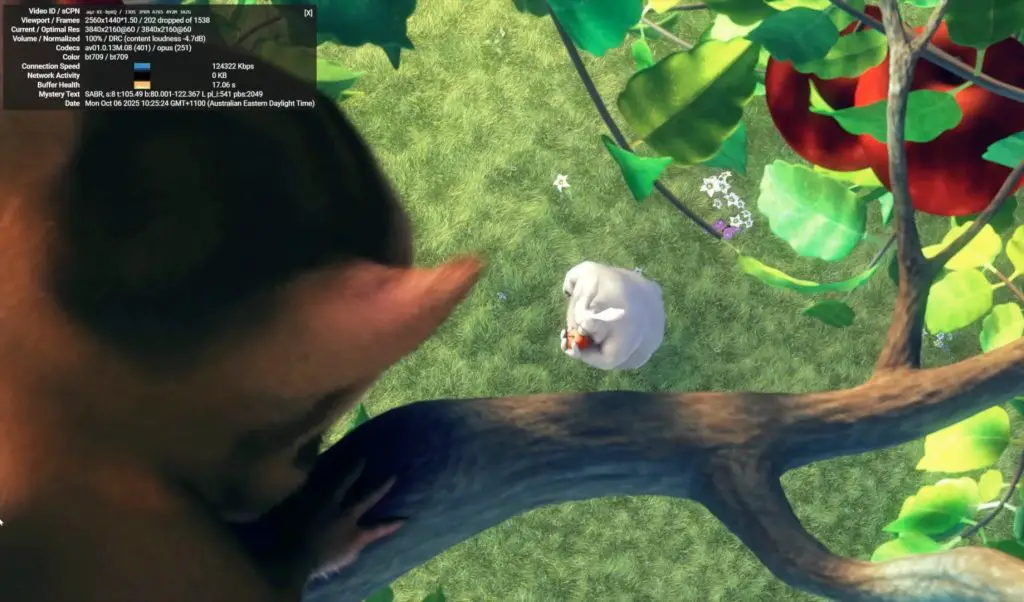
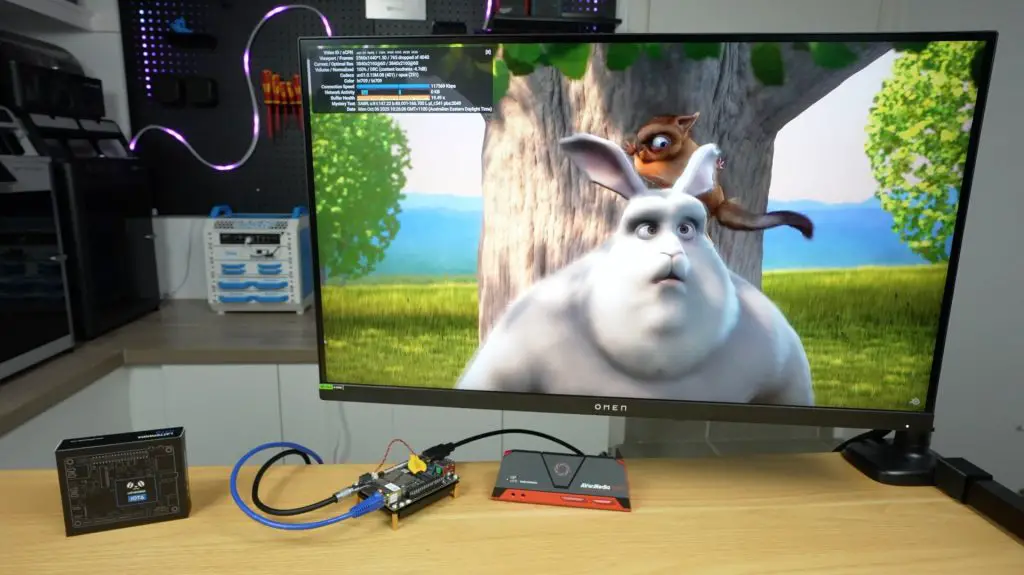
For testing video performance, I ran playback at both 1080p and 4K, setting the system display resolution to match each test.
- 1080p playback both in a window and fullscreen ran perfectly, with no dropped frames.
- 4K playback dropped some frames, both windowed and fullscreen, but remained smooth enough for casual use. It’s near the performance limit, but still usable.
Benchmarks
I then ran a few standard benchmarks to get a sense of performance:
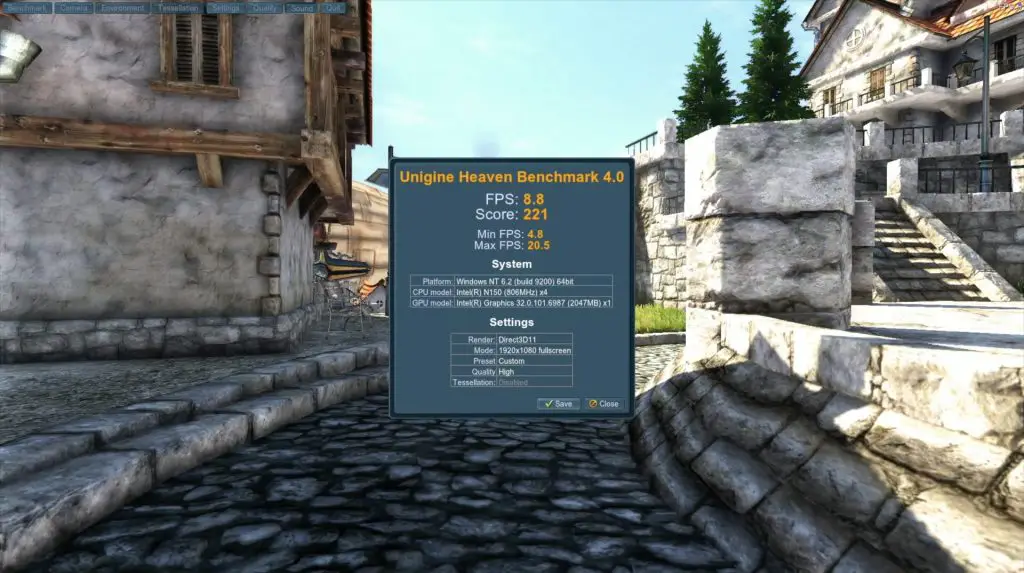
Unigine Heaven (1080p, High Quality)
- Score: 221 points
- Frame rate: 5–20 FPS
As expected, this isn’t a gaming system. The integrated graphics can handle light 3D workloads, but performance is roughly on par with other Intel N100 systems.
Geekbench 6
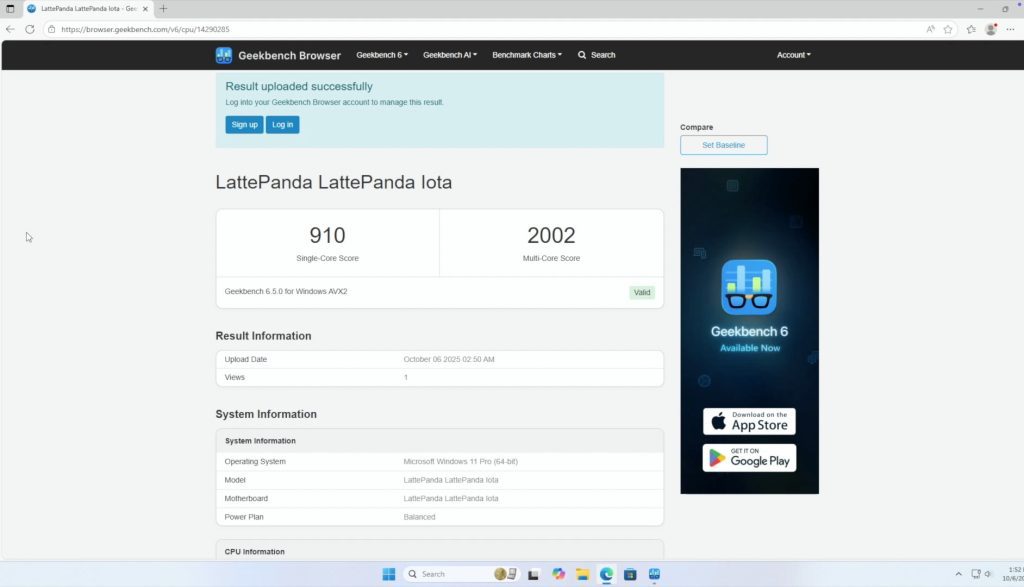
- Single-core: 910
- Multi-core: 2002
That’s enough for everyday tasks like browsing, media playback, and light productivity. It’ll struggle with heavier workloads like video editing or gaming.
CrystalDiskMark (eMMC Storage)
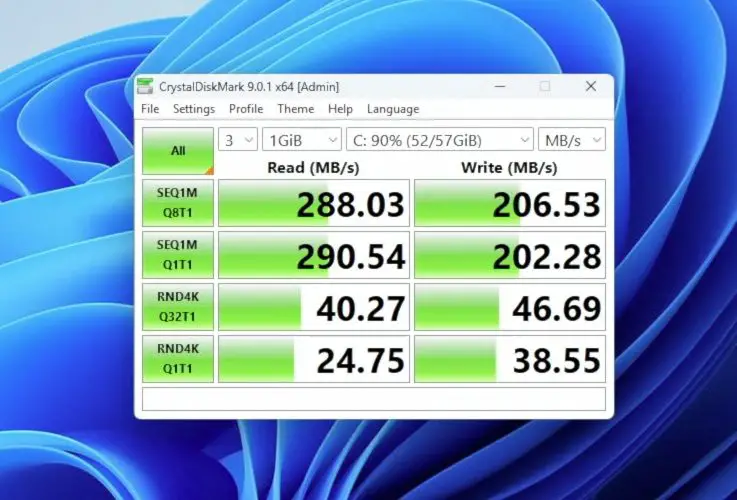
- Sequential Read: 288 MB/s
- Sequential Write: 206 MB/s
- 4K Random Read/Write: ~40 / 46 MB/s
The onboard storage feels snappy for booting and launching apps, but it’s far slower than NVMe storage.
Power and Thermal Performance
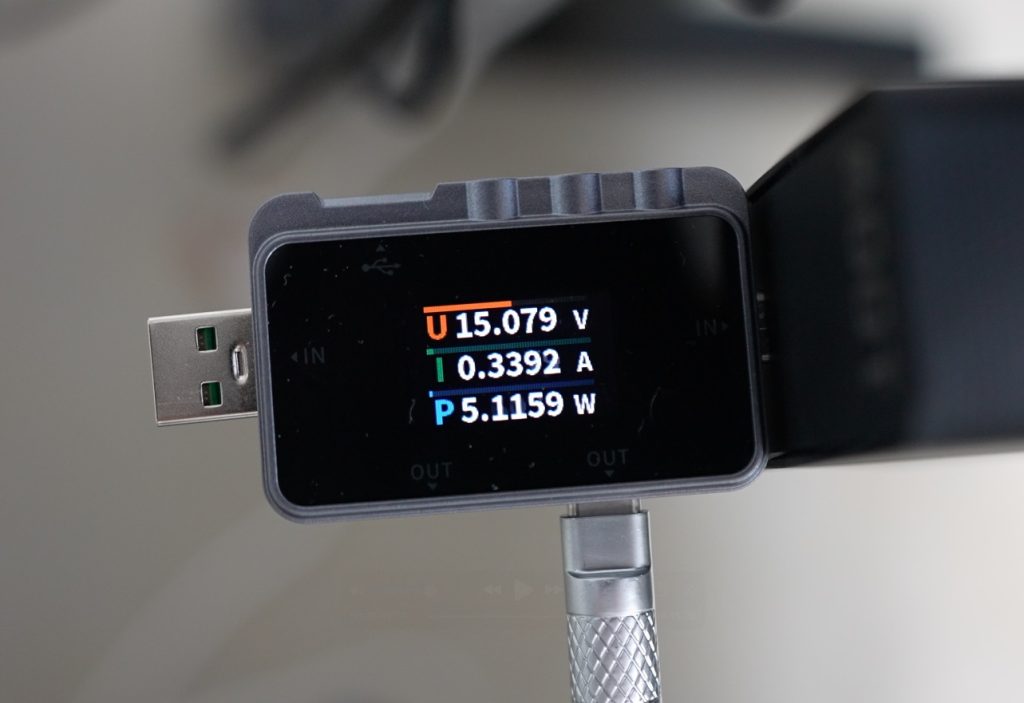
At idle, the IOTA draws about 3–5W, rising to 15W under a full CPU and GPU load, with spikes up to 19W.
Reducing the TDP to its minimum 4W limit drops total draw to around 5W, but performance takes a big hit. Windows 11 becomes laggy, so a lightweight OS would be better suited for that mode. Still, it’s impressive that an x86 board running Windows can idle that low.
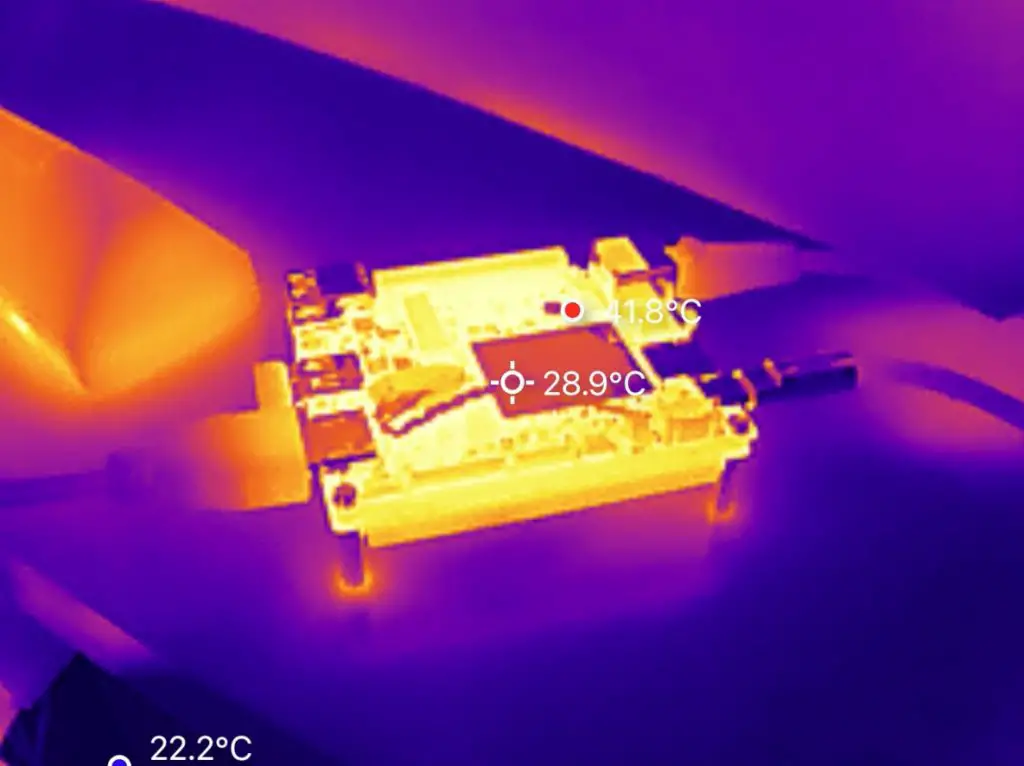
Thermals with the active cooler are solid:
- Idle: 45–50°C
- Full Load: ~70°C
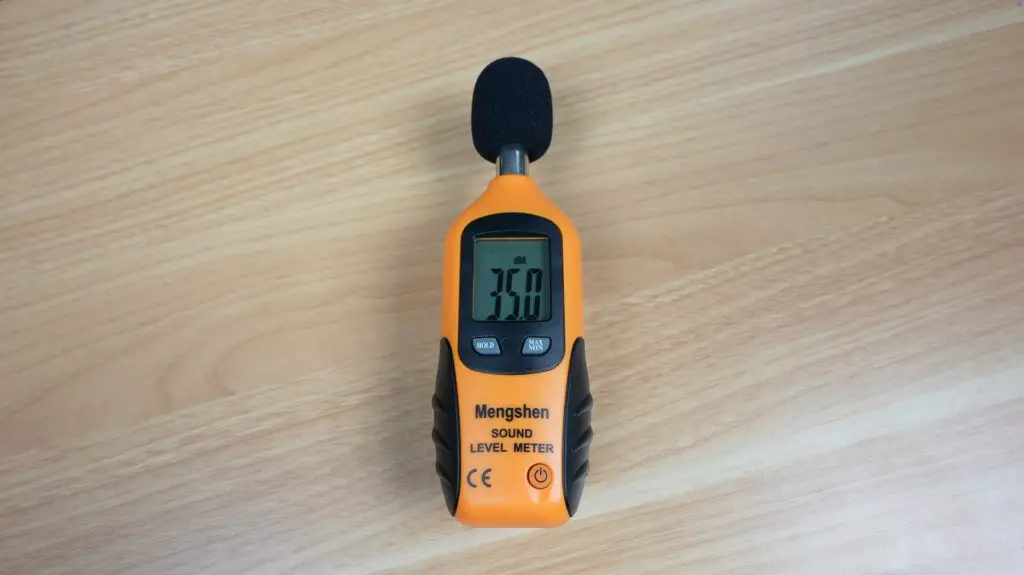
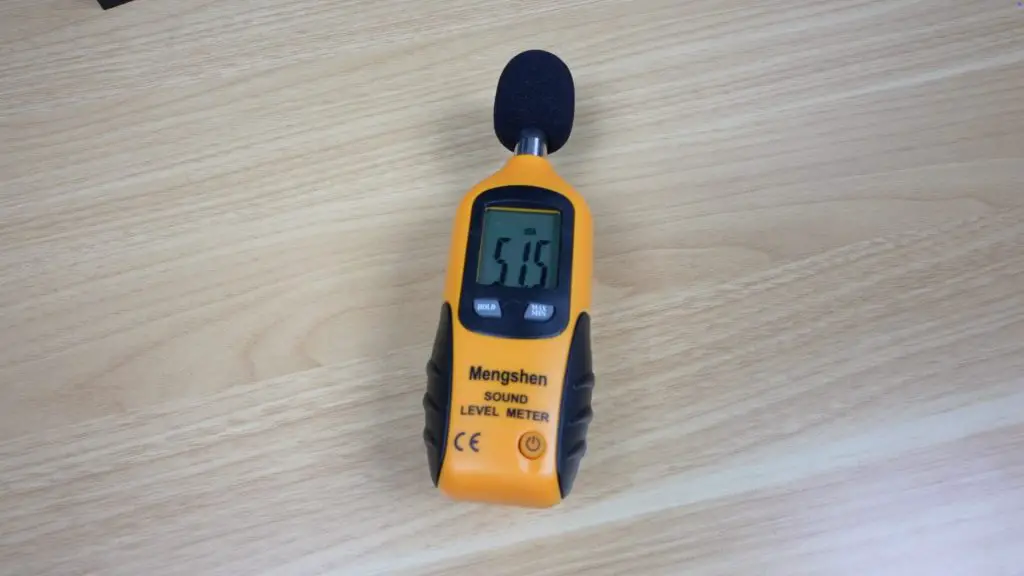
Fan noise is the only real issue that I encountered with this board. It runs at 34–35 dB at idle (20cm away) and up to 50 dB under full load. The tone is fairly high-pitched, which makes it more annoying than the numbers suggest.
GPIO and Maker Features
Since the IOTA is designed for makers, the GPIO pins and RP2040 microcontroller are central to its appeal, and they’re very easy to use.
For a quick test, I connected two LED to the GPIO pins through 220Ω resistors, then opened the Arduino IDE directly on the IOTA. Selecting the RP2040 board profile, I uploaded a basic blink sketch and the LEDs flashed as expected.
That means you get the full power of an Intel PC plus a built-in microcontroller for sensors, motors, or other real-time hardware control, with no extra boards required.
Final Thoughts on the LattePanda IOTA
The LattePanda IOTA is a compact, power-efficient, and feature-rich little board that bridges the gap between a mini PC and a maker’s microcontroller platform.
The integrated RP2040 is what truly sets it apart, allowing hybrid projects that combine PC-level processing with real-time hardware control for robotics, automation, or experimental electronics.
If you’re looking for a cheap everyday mini PC, there are better options for pure desktop use. But if you’re a maker who wants something you can build projects with, the IOTA is a strong and flexible choice.
Let me know in the comments what you think of the LattePanda IOTA and what kinds of projects you’d use it for.
